
How to Find Live Cam Models You’ll Actually Like
Searching for a live cam model doesn’t need to be overwhelming. Start with a category that matches your mood, apply filters to narrow results, use tags to zero in on specifics, and save your favorites. That’s it. Most people go from “I don’t know where to start” to “I found someone worth watching” in under two minutes.
I tested this process on SexCamFun by clicking through the category menu, search bar, filter panel, tag cloud, and favorites feature the way a new visitor would. Every step below reflects what actually happens on screen.
Before You Start
You don’t need much to get going.
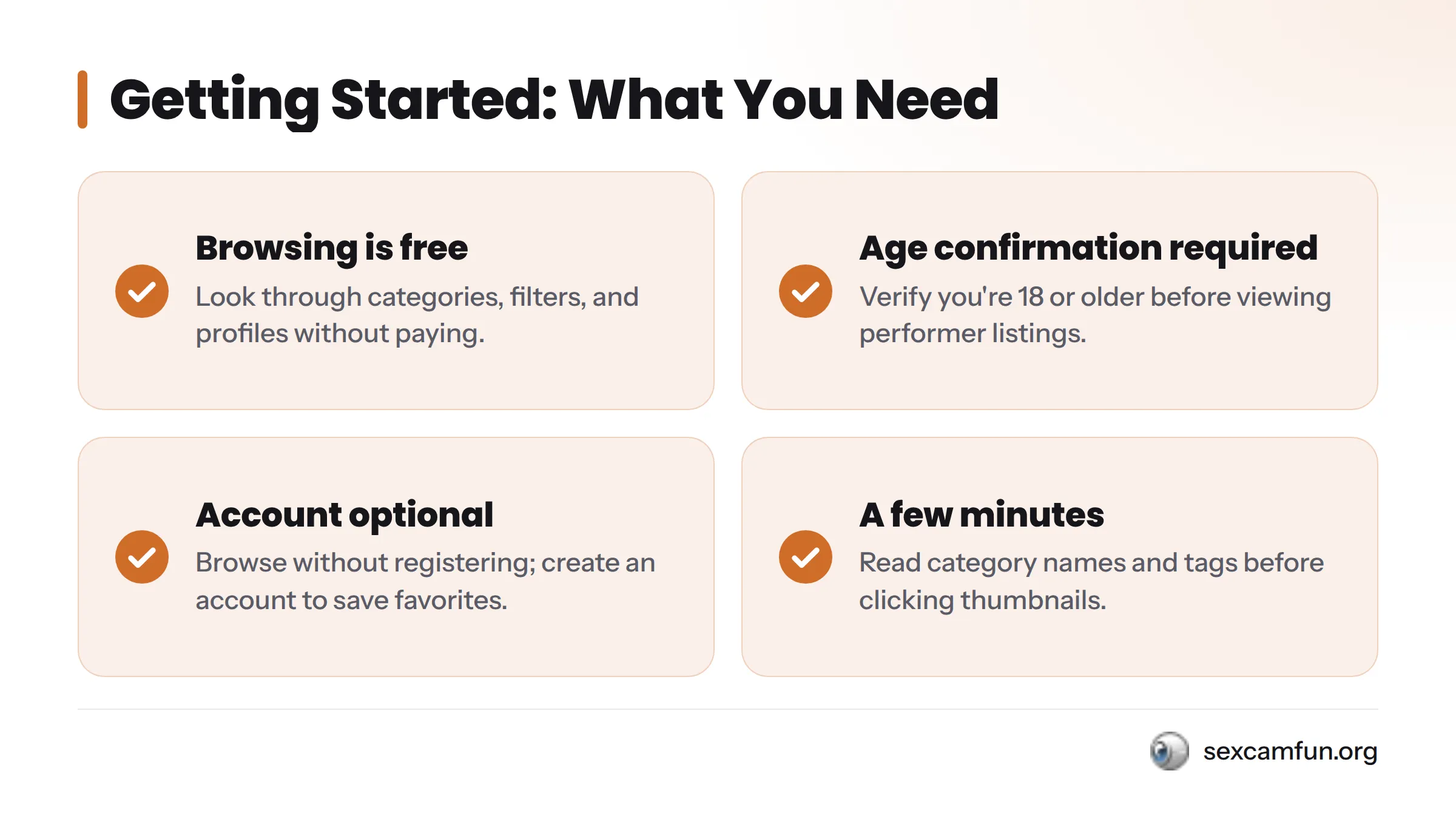
- Browsing is free. Look through categories, filters, and performer profiles without spending anything. You only pay when you enter a private or paid interaction.
- Age confirmation. Every legitimate cam platform requires you to verify you’re 18 or older before viewing performer listings. This is standard across the industry.
- An account is optional. You can browse without registering. A free account lets you save favorites and build a shortlist for return visits.
- A few minutes. Read category names and tags instead of clicking the first thumbnail you see.
Before you begin:
- Confirm you’re 18 or older when prompted.
- Decide whether you want to save favorites (register if yes).
- Have a loose sense of what you’re in the mood for.
- Use a browser or app where you can access the search bar and filter panel.
Step 1: Pick a Starting Category
A category is the broadest search tool. It groups performers by a shared trait – gender mix, orientation, format – and narrows a massive directory down to something manageable before you touch a single filter.
If you know you want to watch a duo, couple cam rooms gets you there in one click. Looking for male performers? Gay live cams skips the scrolling.
SexCamFun’s browsing data shows that most new visitors start broad – a gender or format category – before applying filters or tags. That’s why Step 1 stands on its own.
If you’re unsure what you want, pick the category closest to your general preference and treat it as a loose starting point. You can always go back and try another. Nothing is permanent.
Step 2: Narrow Results With Filters
Filters let you stack multiple conditions at once. Where a category asks “what kind of room,” a filter asks “what specific traits and is this performer live right now?”
Common filters include:
- Performer type: solo, couple, group
- Online now: shows only current streams, not offline profiles
- Sorting: newest arrivals or most popular right now
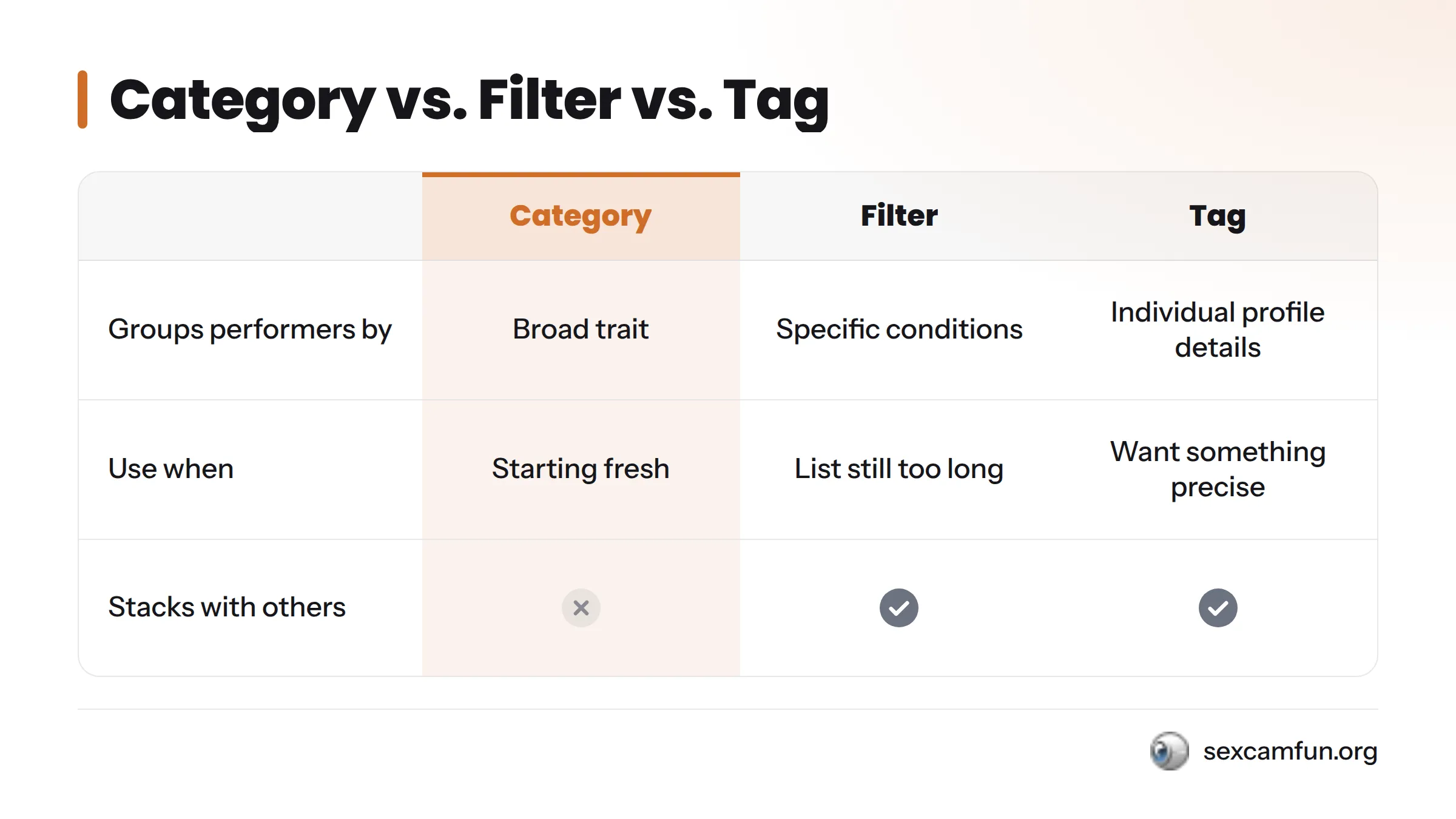
Here’s how these tools compare:
| Tool | Purpose | Use When |
|---|---|---|
| Category | Groups performers by a broad trait (format, orientation, gender mix) | Starting fresh and needing a general direction |
| Filter | Narrows an already-selected group by specific, stackable conditions (online now, performer type, sort order) | You know roughly what you want but the category list is still too long |
| Tag | Labels individual profiles with specific descriptive keywords | You want something precise within an already-filtered list |
Start in a category, flip on “online now” to hide offline profiles, then sort by newest or most active. Three filter actions on top of one category choice usually cut results by more than half.
Step 3: Use Tags to Zero In
Tags are the most granular search layer. While a category sorts the whole directory and a filter narrows it, a tag lives on each performer’s profile and describes something specific about their room, style, or stream. Clicking a tag shows everyone else who shares that trait.
The search bar becomes genuinely useful here. If you know the specific word or phrase you want, typing it surfaces tagged results faster than clicking through menus.
Tags are especially powerful after you’ve applied a category and filter, because you’re searching a smaller pool. For something more niche than general tags cover, tips for discovering niche fetish performers explores that search method further.
Step 4: Save Favorites to Build Your Shortlist
A favorites list (also called a shortlist or watchlist) is a saved collection of performer profiles you can return to without redoing the category-filter-tag process. Most cam directories need a free account for this, which takes thirty seconds.
This step matters because your first visit is slow – you’re figuring out your preferences. Every visit after should be faster. Instead of re-running the same category and filter combination, you open your shortlist and see who’s online.
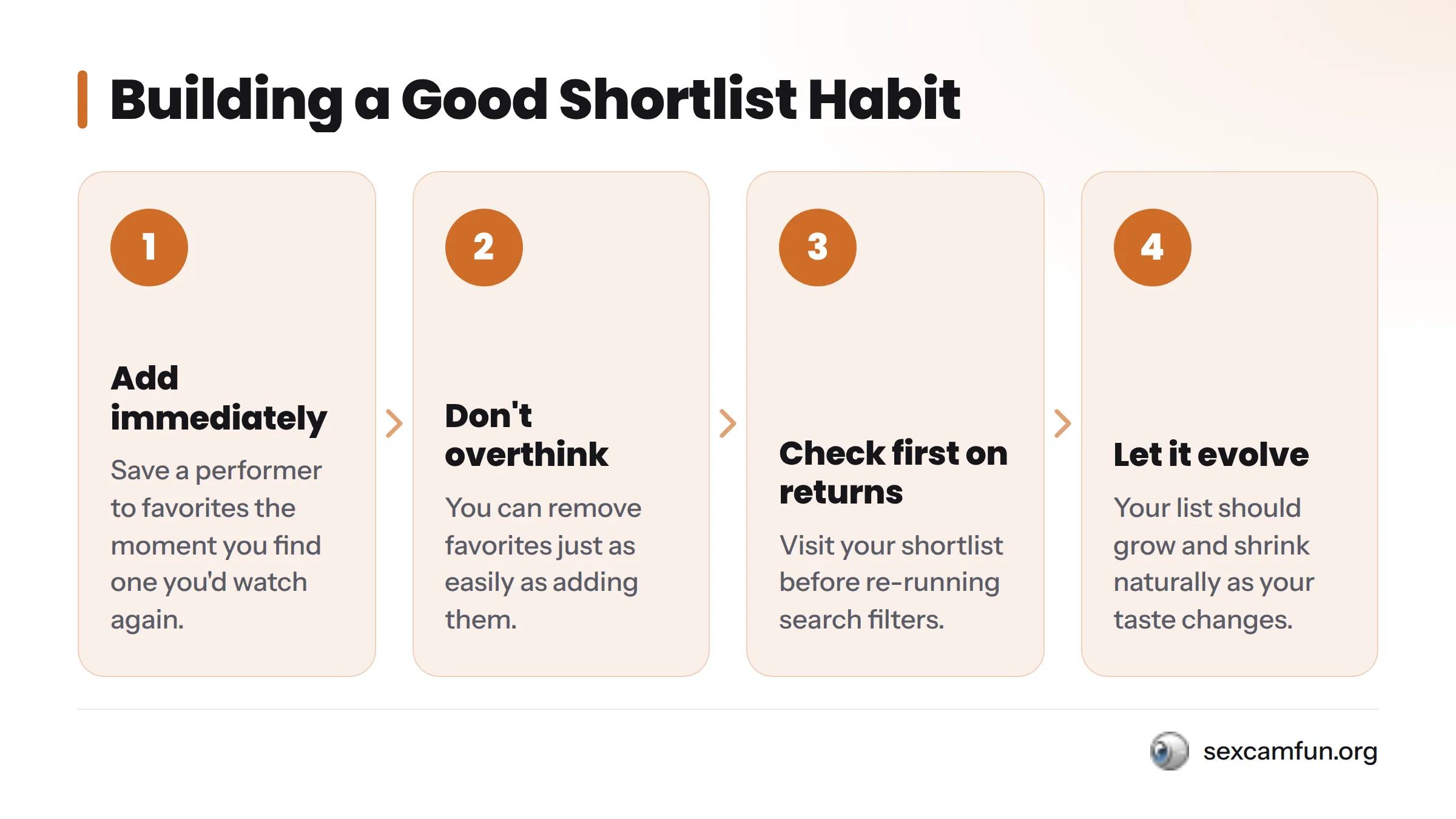
A good shortlist habit:
- Add a performer to favorites the moment you find one you’d watch again.
- Don’t overthink it – you can remove favorites just as easily.
- Check your shortlist first on return visits.
- Let it grow and shrink naturally as your taste evolves.
Revisit and Refine as Your Interests Change
Your first search isn’t your last. Preferences shift, new performers arrive, and what felt perfect last month might feel too broad or narrow now. Treat your search process as something you adjust over time, not a one-time task.
On return visits, lean on sorting options and the “online now” filter first. These do the heavy lifting for anyone who already knows what they like and just wants to see who’s available now. If your favorites list feels stale, that’s a signal to try a different category or add new tags to your usual search.
This refine-and-repeat habit is the difference between someone who uses a cam directory once and someone who builds a search process that gets faster and more accurate every visit.
Troubleshooting Quick Fixes
| Problem | Solution |
|---|---|
| Too many results | Add a tag to narrow the list further |
| Too few or zero results | Remove one filter and try again |
| Want to browse without category restrictions | Visit the full live sex cams directory |
| Looking for a specific body type | Check live women cams by body type |
| Want deeper niche or fetish-specific discovery | Read tips for discovering niche fetish performers |
| Curious what happens once you enter a room | See how a camshow works |
Frequently Asked Questions
What’s the fastest way to find a specific type of cam model?
Skip categories and go straight to the search bar. Type the specific trait or tag you want, then apply the “online now” filter so you only see performers currently streaming.
Do I need an account to browse cam models?
No. Browsing categories, filters, and tags is open to anyone 18 or older. An account is only necessary if you want to save favorites or interact with a performer.
Is browsing free?
Yes. Looking through categories, applying filters, reading tags, and viewing public rooms costs nothing on SexCamFun. Costs only appear with private shows or paid interactions, which happen after the browsing stage this guide covers.
What is a favorites list?
A favorites list is a saved collection of performer profiles tied to your account. It lets you skip the full search process on return visits. Think of it as a shortlist you build and refine, rather than something you recreate every time you log in.
How often should I update my favorites list?
There’s no fixed schedule. Revisit it whenever your usual favorites are offline or your interests shift. Some people refine weekly; others check in every few visits. The list should evolve with you.
Can I combine filters and tags to narrow results further?
Yes, and that’s the most efficient approach. Apply a category first, add one or two filters like performer type or online now, then layer a tag on top. Each layer removes results that don’t match, leaving you with a small, highly relevant list.
What’s the best starting point if I don’t know what I’m looking for?
Pick the broadest category that loosely matches your general interest and turn on “online now.” You don’t need certainty to start, just a direction. Refinement happens naturally as you move through filters and tags, and you can always try a different category if the first one doesn’t click.
Ready to start? Open the filtered live room directory on SexCamFun, confirm you’re 18 or older, and pick a category that matches your mood right now. Browsing is free, and your shortlist begins the moment you click your first favorite.